A smart home installed years ago does not need replacing just because it is older. The better question is whether the problem is isolated or the system is becoming harder to use, maintain or extend.
The same fault keeps coming back. Keep a note of when it happens and which rooms or controls are affected. A single unreliable switch may point to a local issue rather than a whole-home problem.
Small changes take disproportionate effort. If adjusting a routine or replacing a control is becoming difficult, check what can still be serviced before choosing a replacement.
Parts or support are harder to find. Identify the equipment you rely on most and find out whether repair or replacement options are still available.
Everyday routines are fragmented. If lighting, blinds and climate all work but are awkward to use together, list the specific routines you want to simplify.
A renovation exposes gaps in the original design. New rooms, lighting or heating may change what the old system needs to do. Assess the existing installation before deciding how to extend it.
Repair or upgrade?
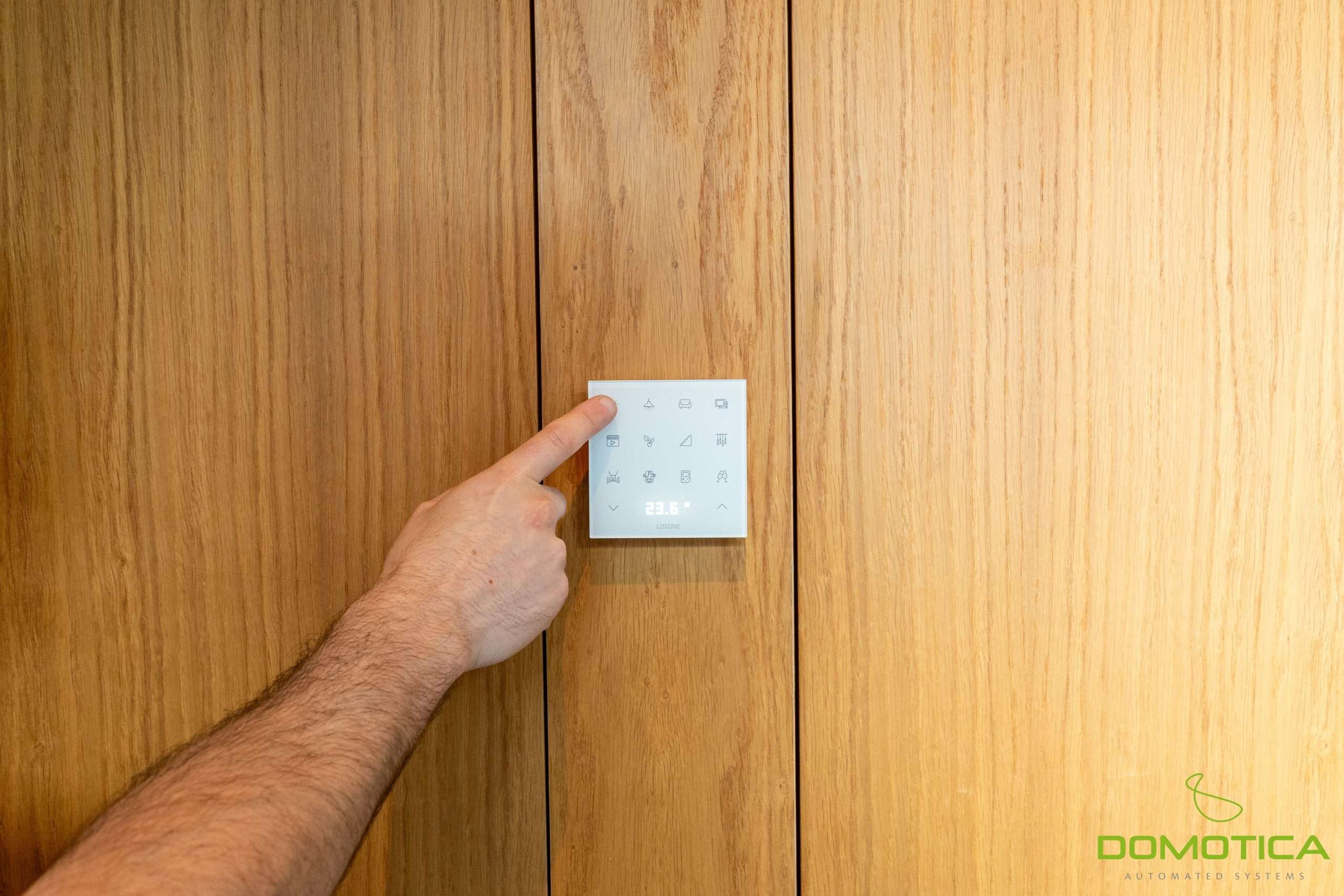
Wall control from the Luxury Villa project. Start by listing the everyday controls you want to make easier to use.
Start with an assessment if problems affect several systems or you’re already planning renovation work. Bring photos of visible controls and any plans or equipment records you have. List what still works well and what must remain usable during the work.